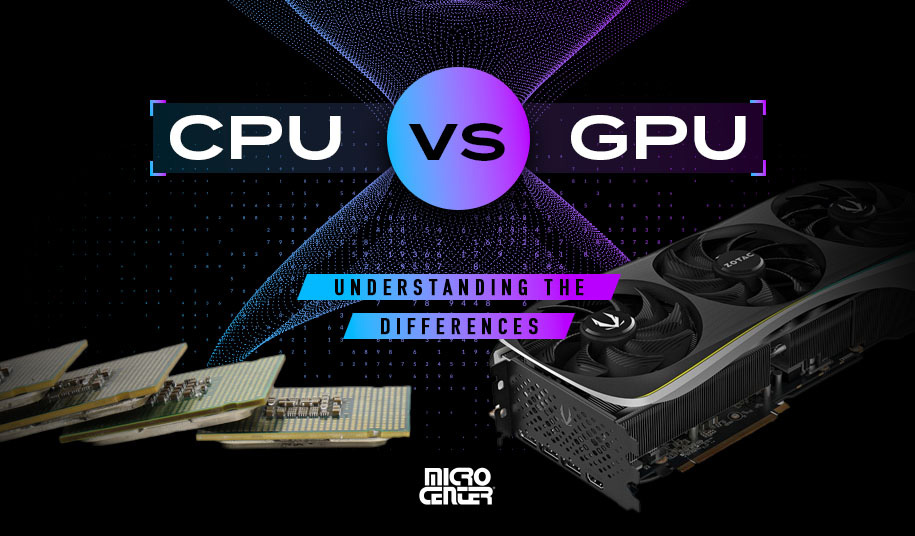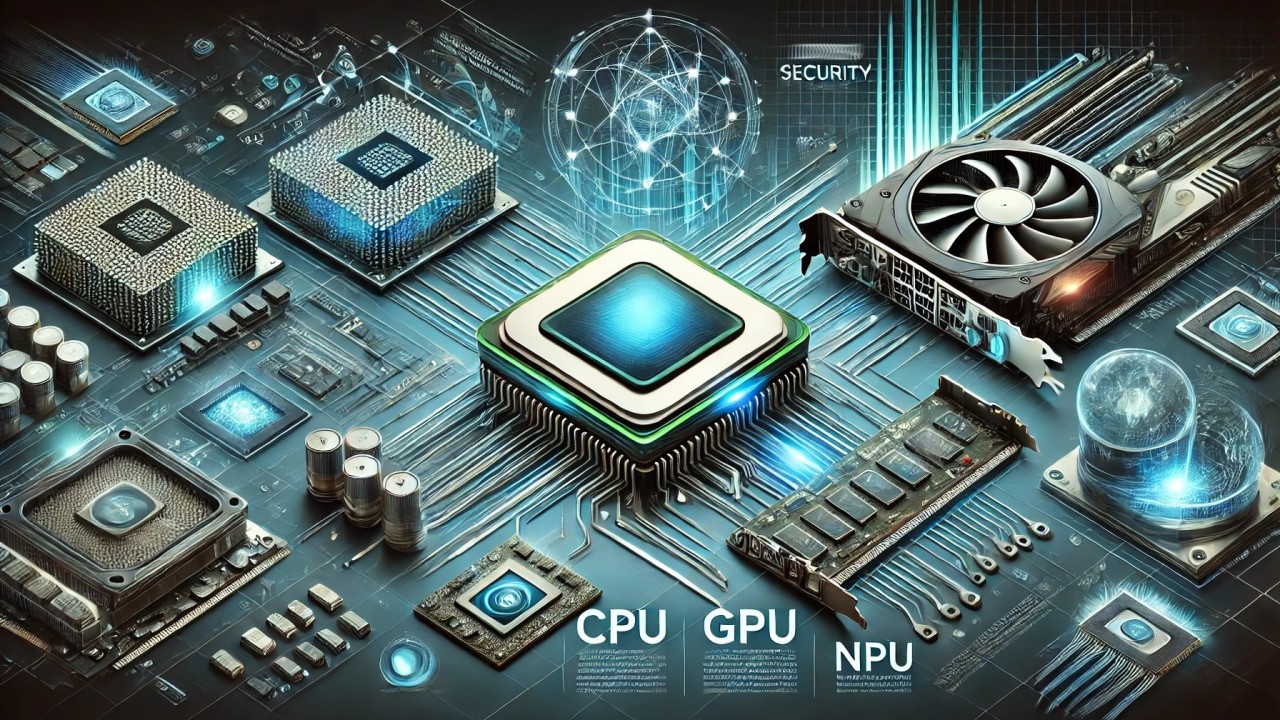
When people talk about AI hardware, the first thing they mention is the GPU. That makes sense, because GPUs do most of the heavy lifting. But as a tech writer who works with AI tools every day, I can say this clearly: the CPU still matters a lot.
In 2025, AI workloads are not just about training giant models in data centers. AI is everywhere — in photo editing, voice typing, video enhancement, coding tools, and even simple office apps. All of this AI activity still depends on the CPU to keep things running smoothly.
The right CPU does not make AI magical, but the wrong one can make it painfully slow.
Understanding AI Workloads in Simple Terms
AI work can be broadly divided into three types.
Training is when an AI model learns from data. This is the heaviest task and usually done on powerful systems. Inference is when the trained model is actually used, like generating text or recognizing an image. Everyday AI tasks include background features such as noise removal, image sharpening, and smart suggestions.
Each of these tasks stresses the CPU in different ways.
Why CPUs Still Matter for AI
Even when a GPU is present, the CPU is responsible for feeding data, managing memory, running the operating system, and handling background processes.
A weak CPU can become a bottleneck. This means the GPU waits idle while the CPU struggles to keep up. In real-world AI use, balance is more important than raw numbers.
In everyday AI tasks, many operations still run on the CPU, especially on laptops and low-power systems.
What Makes a CPU Good for AI Work
In simple terms, a good AI CPU needs to be fast, efficient, and able to handle many tasks at once. High core counts help during training-related work, while strong single-core performance helps with inference and interactive tools.
Modern CPUs in 2025 also include built-in AI features that speed up common AI operations without using too much power.
Intel CPUs for AI Workloads
Intel CPUs are widely used in AI development, especially on Windows systems. In 2025, Intel focuses heavily on hybrid designs with performance cores and efficiency cores.
Real-world Intel AI experience
Intel CPUs handle AI inference very smoothly. Tools like AI-assisted coding, photo editing, and background enhancements work reliably.
Intel’s built-in AI acceleration helps in everyday tasks and improves performance in supported apps. Intel CPUs are also well-supported by popular AI frameworks, making them a safe and stable choice.
The downside is higher power usage under heavy load, especially during long training sessions.
AMD CPUs for AI Workloads
AMD CPUs have become very popular among AI enthusiasts and developers. They offer strong multi-core performance and better efficiency compared to many Intel chips.
Real-world AMD AI experience
AMD CPUs perform extremely well in tasks that involve data preparation and parallel workloads. Training support tasks, model preprocessing, and multitasking feel faster and smoother.
AMD systems usually run cooler and consume less power, which is important for long AI sessions. Software support is now very mature, making AMD a strong all-round option.
Apple Silicon for AI Workloads
Apple Silicon takes a different approach. Instead of focusing only on CPU power, Apple integrates AI acceleration directly into the chip.
Real-world Apple Silicon AI experience
For everyday AI tasks, Apple Silicon feels effortless. Photo enhancement, voice tools, and video processing are fast and power-efficient.
Training large AI models is not Apple Silicon’s strong point, but for inference and creative AI tasks, it performs surprisingly well. The biggest limitation is software availability and platform lock-in.
Training vs Inference: What CPU Matters More?
For training, CPUs with more cores and better multi-threading help support the GPU and manage large datasets. AMD often shines here.
For inference and everyday AI tasks, fast cores and built-in AI features matter more. Intel and Apple Silicon perform very well in this area.
The best CPU depends on how you actually use AI, not on benchmarks alone.
Simple Comparison Table: CPUs for AI Workloads (2025)
| Feature | Intel | AMD | Apple Silicon |
|---|---|---|---|
| AI Training Support | Good | Very good | Limited |
| AI Inference | Very good | Very good | Excellent |
| Everyday AI Tasks | Good | Good | Excellent |
| Power Efficiency | Medium | Good | Excellent |
| Software Support | Excellent | Very good | macOS-focused |
| Multitasking | Good | Excellent | Good |
| Upgrade Flexibility | High | High | None |
Final Thoughts
In 2025, GPUs may be the stars of AI, but CPUs are the quiet workers that make everything function properly. A well-chosen CPU keeps your AI tools responsive, stable, and efficient.
For serious training work, AMD offers excellent value and performance. For balanced AI use and compatibility, Intel remains a safe choice. For everyday AI tasks with low power usage, Apple Silicon feels almost effortless.